
RASP protection
When enabled, BitFire runtime application self-protection (RASP) controls evaluate supported operations against the request’s authorization context—even when the exploit is new.
See the three controlsWhen enabled, PRO runtime controls can block supported file, database, and administrator operations when a request lacks the required authority. Protection applies within each control’s documented coverage. Then investigate persistence beyond ordinary file scans with Threat Hunter and AI-assisted malware analysis.
Coverage depends on the enabled control, supported operation, and request authorization context. Review runtime-control coverage.
BitFire FREE can protect commercial sites. Choose PRO when enabled runtime controls, deeper persistence investigation, or BitFire-managed operation matter to the site.
Read FREE and PRO licensing guidancePRO combines enforcement during an attack with deeper investigation after suspicious activity. It is designed for sites where compromise has a real business cost.
When enabled, BitFire runtime application self-protection (RASP) controls evaluate supported operations against the request’s authorization context—even when the exploit is new.
See the three controlsInspect database content, WordPress cron jobs, database triggers, must-use plugins, the startup chain, and background PHP processes for persistence normal file scans do not see.
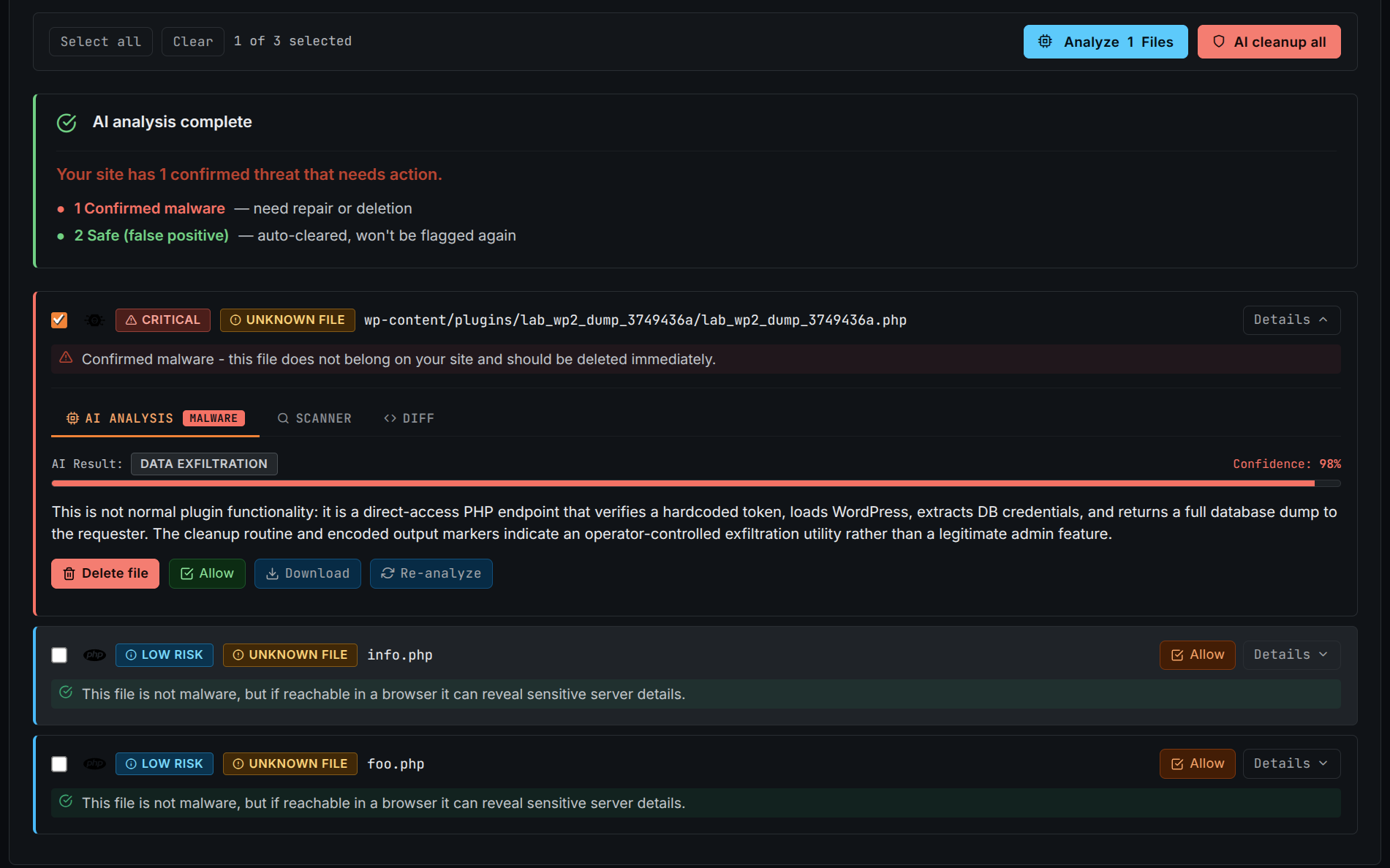
Explore Threat HunterUse 1,000 AI credits for an assisted review of suspicious code, understand why it was flagged, and make a more informed allow, repair, or delete decision. AI output is evidence to review, not proof by itself.
Read the scanner guideA WAF asks whether a request looks malicious. BitFire RASP also asks whether that request is authorized to perform a dangerous operation inside WordPress.
When the filesystem control is enabled, BitFire uses a PHP stream wrapper to evaluate supported writes to .php files. A write is blocked when the active request lacks the required administrator authorization.
When the database control is enabled, BitFire evaluates supported user-creation and privilege-change queries. The update is blocked when the request lacks the required administrator authorization.
BLOCKS ROGUE ADMIN ACCOUNTSWhen this control is enabled, BitFire evaluates supported attempts to impersonate an administrator. Impersonation is blocked when the requesting session lacks the required administrator authorization.
BLOCKS AUTHENTICATION BYPASSThreat Hunter goes beyond a normal filesystem scan to find the mechanisms attackers use to survive cleanup and regain control later.
Why it matters: a background process, scheduled task, trigger, or stored script can reinfect a site after every malicious PHP file appears to be removed.
Add the WordPress domains you want to protect, then choose self-management, BitFire-managed operation, or around-the-clock priority support.
Have a licensing or compatibility question we have not covered? Talk directly with the BitFire team.
Contact BitFirePRO unlocks 1,000 AI malware analysis credits, advanced Threat Hunter audits, and enabled RASP controls for supported filesystem, database, and administrator impersonation operations.
BitFire FREE can protect commercial websites. Choose PRO when the site needs enabled runtime controls for supported file, database, and administrator operations, deeper persistence investigation with Threat Hunter, scheduled analysis, or BitFire-managed operation.
One license covers one domain. Portfolio discounts begin at 2 sites, and the matching tier applies to every license in the proposed order. The domain list controls the quantity so there are no unassigned licenses. For example, 10 sites at $42.00 per site is $420.00 per year before an optional per-site management package.
BitFire uses a block-by-default security model. This reduces the chance that unknown or unauthorized activity is allowed, but some legitimate traffic may initially be blocked. Those requests must be reviewed and approved so the site can perform its expected functions without weakening protection unnecessarily.
Managed Protection is the hands-off option: BitFire handles installation, configuration, maintenance, monitoring, and operational tuning during normal U.S. business hours for $200 per site per year. Choose Self-managed if your team prefers direct control with guided setup. Priority Support adds 24/7 coverage and a one-hour response time for any issue for $450 per site per year.
The published schedule beside the calculator shows upcoming single-site rates. The displayed rate is reserved for the 24-hour email-verification window, and portfolio discounts apply to every license in the order. Each activated license remains valid for one year; renewal pricing is handled separately.
No. When an applicable RASP control is enabled, BitFire evaluates the authorization behind supported protected operations. An unknown exploit can still be blocked when it attempts a supported PHP write, administrator privilege change, or administrator impersonation without the required authorization.
Threat Hunter checks persistence outside ordinary malware files, including database content, cron tasks, MySQL triggers, the WordPress startup chain, must-use plugins, administrator accounts, and background PHP processes.
Add enabled runtime controls, deeper persistence investigation, and AI-assisted malware analysis to every site you manage.