CVE-2026-5524 vulnerability and BitFire protection

How BitFire Stops CVE-2026-5524 Divi Form Builder File Uploads

WordPress vulnerability research

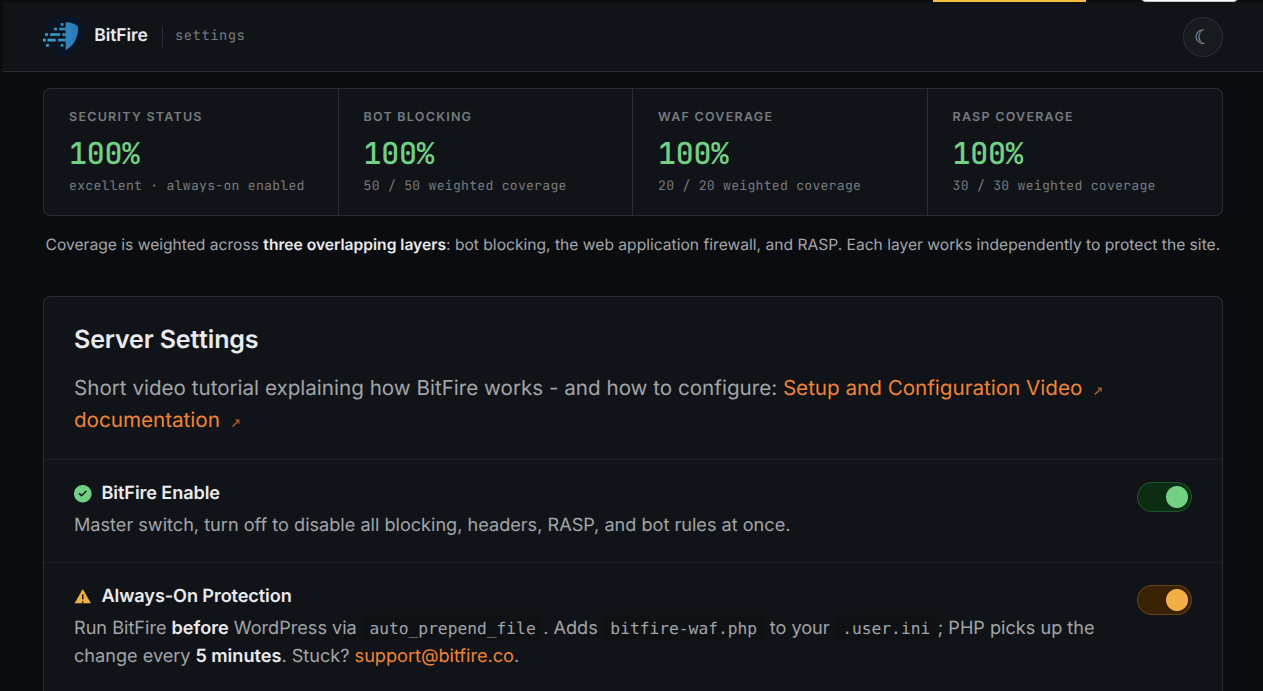
BitFire blocks automated CVE-2026-5524 upload requests and uses PRO RASP to prevent Divi Form Builder from creating unauthorized executable PHP files.

Unauthenticated Critical Severity Remote Code Execution Arbitrary File Upload
BitFire · Vulnerability advisoryResearch published
AdvisoryCVE-2026-5524
ComponentDivi Engine Divi Form Builder
Relevant sourceDivi Form Builder upload handler: do_image_upload()
Executive summary

What WordPress administrators need to know

CVE-2026-5524 is a critical unauthenticated arbitrary file upload vulnerability in Divi Form Builder through version 5.1.8. A visitor can obtain the required nonce from any public page containing a form, submit an attacker-controlled `acceptFileTypes` POST value, and make `do_image_upload()` accept PHP-executable extensions such as `.phtml`, `.phar`, `.php5`, or `.php7`. The plugin stores accepted files in the public `/wp-content/uploads/de_fb_uploads/` directory. Its `.htaccess` defense blocks only `.php` and provides no protection on Nginx, so requesting an uploaded script may produce remote code execution. BitFire blocks unknown automated clients at the request layer, while BitFire PRO RASP independently prevents unauthorized PHP file creation at runtime.

At a glance

Key facts

  • Divi Form Builder versions up to and including 5.1.8 are vulnerable
  • No WordPress account is required, and a public form exposes the required nonce
  • The `acceptFileTypes` POST parameter controls the upload-validation regular expression
  • Executable `.phtml`, `.phar`, `.php5`, and `.php7` files can bypass the `.php`-only rule
  • Nginx does not process the plugin's `.htaccess` protection
  • BitFire blocks unknown exploit bots and PRO RASP prevents unauthorized PHP file creation
01
Vulnerability overview

Understand the exposure

The affected component, attack path, and practical risk for WordPress websites.

Affected componentDivi Engine Divi Form Builder
Potential reach2,600,000 installations
Attack techniquearbitrary file upload
Published2026-07-01
BitFire rejects unknown automated upload clients before the handler runs and uses PRO RASP to deny the unauthorized PHP file creation required for a web shell.
02
Technical analysis

How the vulnerability works

Research details, affected versions, exploitation behavior, and remediation guidance.

CVE-2026-5524 Exposes a Public Executable Upload Path

Divi Form Builder accepts images and file attachments from frontend forms. In versions through 5.1.8, an unauthenticated visitor can reach `do_image_upload()` after collecting a nonce from any public page that contains one of those forms. The visitor supplies both a file and the `acceptFileTypes` POST parameter used to decide whether its extension is allowed. Accepted files are written beneath `/wp-content/uploads/de_fb_uploads/`, a location that can be requested directly over HTTP. If the server treats the selected extension as PHP, opening the uploaded file executes attacker-controlled code. The pre-authentication path and potential full compromise account for the 9.8 CVSS score.

Client Input Rewrites the File-Type Allowlist

The central validation error is a trust-boundary failure. `do_image_upload()` directly interpolates `acceptFileTypes` into the regular expression that validates the uploaded filename. That parameter comes from the visitor's POST request, so the client effectively chooses which extensions pass the server's check. An attacker can specify `.phtml`, `.phar`, `.php5`, or `.php7` and submit a matching executable script. Safe handling must ignore the browser's claimed accepted types, extract the final extension, reject every PHP-executable format, and compare the result with the form configuration stored on the server. Divi Form Builder 5.1.9 changed uploads so visitors can no longer override the file types configured for the form.

A Public Nonce Is Not Upload Authorization

The request requires a nonce, but any anonymous visitor can obtain one by loading a public page containing a Divi Form Builder form. Satisfying that check therefore does not establish a trusted identity or permission to choose executable file types. A nonce helps WordPress validate request intent and resist cross-site request forgery; it is not authentication, authorization, or file validation. The server must still enforce its own immutable extension policy. Version 5.1.3 partially addressed the vulnerability, but the attacker-controlled extension path remained exploitable through 5.1.8.

.htaccess Does Not Provide a Portable Security Boundary

The plugin's secondary defense is incomplete in two independent ways. On Apache-compatible configurations, its `.htaccess` protection targets `.php` specifically, leaving alternative PHP-executable suffixes such as `.phtml`, `.phar`, `.php5`, and `.php7` outside that rule. On Nginx, the entire file is inert because Nginx does not read per-directory `.htaccess` directives. Once an executable upload reaches the public directory, an HTTP request can invoke it wherever the server maps that suffix to PHP. Administrators can reduce exposure by disabling script execution throughout upload directories, but server configuration does not correct the application-level validation flaw.

BitFire Stops the Request and the Filesystem Outcome

Automated exploitation sends an attacker-controlled POST containing `acceptFileTypes`, a file attachment, and the public-form values needed to reach the handler. BitFire bot protection detects unknown automation and browser impersonation when those clients submit unknown GET or POST parameters, rejecting the request before Divi Form Builder processes it. BitFire PRO RASP then supplies an independent final boundary: its filesystem protection prevents unauthorized PHP file creation or modification from any request vector. That runtime policy protects the outcome even when a valid nonce and vulnerable regular expression allow the request to advance, and it does not rely on Apache, `.htaccess`, a particular PHP suffix, or a CVE-specific signature.

Conclusion: Enforce Upload Controls Beyond Form Code

The vendor changelog records the server-side file-type correction in version 5.1.9. Administrators can verify their installed release, inspect `/wp-content/uploads/de_fb_uploads/` for unexpected executable files, review requests involving `acceptFileTypes`, and confirm that the web server never executes scripts from upload directories. CVE-2026-5524 demonstrates why site administrators need a security solution with built-in access controls and zero-day protection when a plugin trusts browser-controlled validation data. BitFire's behavior-based bot controls can stop unknown automated requests before vulnerable code runs, while PRO RASP denies the unauthorized PHP file creation required for remote code execution even before a vulnerability-specific rule exists.


03
Source review

Vulnerable and fixed code

The relevant source is located in Divi Form Builder upload handler: do_image_upload().

BeforeVulnerable behavior
// Vulnerable request flow, abridged.
$accept_file_types = $_POST['acceptFileTypes'];

// Attacker-controlled input changes the regular expression allowlist.
if ( preg_match( '/\.(' . $accept_file_types . ')$/i', $uploaded_name ) ) {
    // Store the file in /wp-content/uploads/de_fb_uploads/.
}

// The generated .htaccess rule blocks only the .php extension.
AfterCorrected behavior
// Required corrected behavior, abridged.
// Ignore client-supplied acceptFileTypes when authorizing an upload.
$extension = strtolower( pathinfo( $uploaded_name, PATHINFO_EXTENSION ) );
$allowed_extensions = /* trusted server-side form settings */;

if ( in_array( $extension, array( 'php', 'phtml', 'phar', 'php5', 'php7' ), true ) ) {
    return; // Reject PHP-executable extensions.
}

if ( ! in_array( $extension, $allowed_extensions, true ) ) {
    return; // Enforce the server-side allowlist.
}

// Store uploads outside executable web paths or disable script execution in server config.
04
Zero-day protection

Protection from the first exploit request

BitFire protects WordPress servers on day zero—before a vulnerability is publicly known and before other vendors have time to develop signatures or patches.

01 · VerifyStop unknown clients

Bot controls and browser verification stop untrusted automated clients before previously unknown exploit code reaches WordPress.

02 · DetectBlock malicious behavior

General WAF protections identify dangerous request behavior and hostile payloads without waiting for a vulnerability-specific signature.

03 · PreventContain attacks at runtime

RASP follows execution inside PHP and prevents unauthorized changes to protected files, accounts, and database content.

BitFire · WordPress protectionZero-day ready
BitFire zero-day WordPress vulnerability protection
BitFire combines verified-client controls, behavior-based WAF detection, and runtime RASP enforcement to protect WordPress before an exploit has a name, CVE, signature, or vendor patch.
About the author

Cory Marsh

Cory has more than 20 years of internet security experience and is a lead developer on the BitFire project.

Read BitFire security research →
Protect your WordPress website

Add protection before the next exploit arrives.

BitFire combines bot controls, request inspection, malware detection, and runtime protection in one WordPress security platform.

Protect my site free →