CVE-2024-28890 Reaches a Public Form Upload Path
Forminator provides contact forms, surveys, quizzes, payment forms, and configurable file-upload fields to more than 600,000 WordPress installations. CVE-2024-28890 affects versions through 1.28.1 and carries a critical CVSS score of 9.8. When a site publishes a form with an upload path exposed to visitors, an attacker does not need a WordPress account to submit a crafted file. The vulnerable server-side handler may store content that only appears to be an allowed type by filename. Official vulnerability reporting identifies possible sensitive-file access, site alteration, and denial of service; remote code execution is also possible when the resulting filename, storage location, and web-server configuration cause the uploaded content to be executed. Those outcomes are possible impacts, not a guarantee on every host.
Extension Validation Does Not Prove What a File Contains
`Forminator_Upload::handle_file_upload()` builds an allowed MIME map, calls `wp_check_filetype()` with the generated filename, and rejects a name whose extension is not on that list. It also confirms that PHP recognizes the temporary path as a genuine HTTP upload and applies file-size limits. The missing boundary is content-aware validation: `wp_check_filetype()` classifies this input from its filename, so an allowed-looking suffix does not prove that the uploaded bytes are the expected image, document, or media format. After those checks, the handler creates the destination directory and passes the temporary file toward `move_uploaded_file()`, allowing a deliberately mismatched file to cross into persistent storage.
Later Source Adds a Filename-and-Content Check
The CVE record identifies Forminator releases prior to 1.29.0 as affected. The exact WordPress.org package comparison shows the explicit content-validation logic in version 1.29.2: before choosing the upload destination, the handler calls `check_mime_type()` with both the temporary file path and original filename. That helper delegates to WordPress's `wp_check_filetype_and_ext()` and accepts the upload only when WordPress returns both a non-empty extension and MIME type. This closes the specific validation gap by requiring the file's inspected content and claimed filename to produce an allowed result. The displayed BEFORE and AFTER excerpts come from the verified 1.28.1 and 1.29.2 packages rather than reconstructing vendor code.
BitFire Bot Protection Stops Automated Upload Attempts
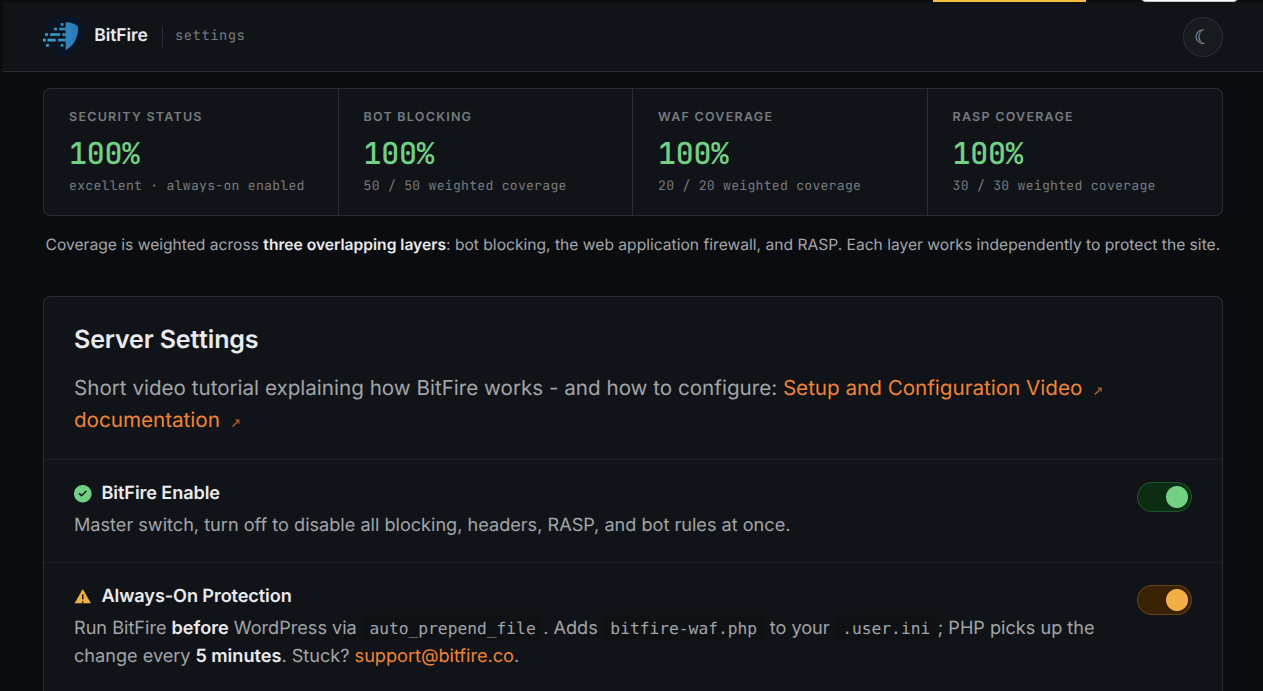
Automated exploitation requires an attacker-controlled POST containing multipart file data and form parameters. BitFire bot protection detects unknown automation and browser impersonation when those clients send unknown GET or POST parameters. It can reject the request before WordPress dispatches the public submission to Forminator or `handle_file_upload()` examines the attachment. This request-layer control does not claim to block every visitor or explicitly allowed integration; it targets the unknown automated client delivering the exploit and operates without waiting for a CVE-specific signature.
BitFire PRO RASP Denies the Dangerous Filesystem Outcome
BitFire PRO RASP supplies an independent final boundary at the operation an executable-file exploit must complete. Its filesystem policy prevents unauthorized PHP file creation or modification from any request vector. A misleading filename may pass vulnerable plugin validation, and an alternate client may avoid a request-layer decision, but RASP follows execution to the attempted PHP write and denies that sensitive outcome. This is outcome-based zero-day protection: the filesystem access control is already active before CVE-2024-28890 has a dedicated signature and remains effective when application code mistakes an allowed-looking name for safe content.
Conclusion: Uploads Need Independent Access Controls
Administrators can verify the installed Forminator release and inspect Forminator upload locations, WordPress media, web logs, and BitFire events for unexpected files or repeated rejected submissions. CVE-2024-28890 demonstrates why site administrators need a security solution with built-in access controls and zero-day protection when plugin file validation fails. BitFire's behavior-based bot protection can stop the unknown automated upload request before the plugin runs, while BitFire PRO RASP enforces the more important final rule: an unauthenticated form submission must not create or modify executable PHP, even before a vulnerability-specific response exists.