CVE-2021-24655 vulnerability and BitFire protection

How BitFire Blocks CVE-2021-24655: WP User Manager Broken Access Control

WordPress vulnerability research

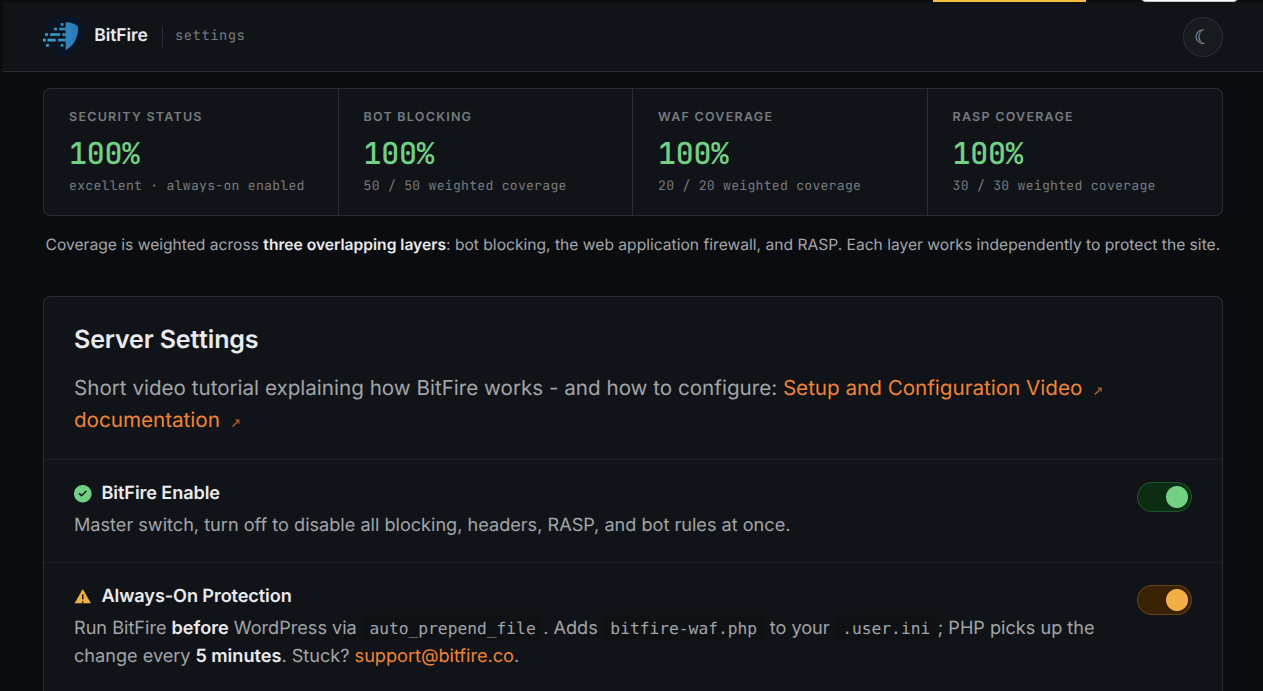
BitFire Bot Protection blocks the forged reset form POST and BitFire PRO RASP stops the administrator impersonation behind CVE-2021-24655.

Low-privilege account required High severity (CVSS 7.5) Administrator account takeover Broken access control
BitFire · Vulnerability advisoryResearch published
AdvisoryCVE-2021-24655
ComponentWP User Manager – Registration Form, Login Form, User Profile & Member Directory
Relevant sourceincludes/wpum-forms/class-wpum-form-password-recovery.php — reset_handler() (vulnerable lines 399–403)
Executive summary

What WordPress administrators need to know

WP User Manager 2.6.2 and earlier let an attacker reset the password of any user on a WordPress site. The plugin's password recovery form validates the emailed reset key only when the reset form is displayed; the submission handler then reads the target account from a request parameter and writes a new password with no key check at all. A visitor holding a low-privilege account can therefore set an administrator's password to a value they know and log in as that administrator. BitFire FREE Bot Protection blocks the automated form submission that delivers the forged reset, and BitFire PRO RASP blocks the administrator impersonation it depends on. Version 2.6.3 fixes the flaw.

At a glance

Key facts

  • The password recovery form is processed on the WordPress 'wp' hook with no authentication or capability check; the only guard on the reset handler is the publicly obtainable form nonce.
  • reset_handler() reads the target account from the GET user_id parameter and calls wp_set_password() with no check_password_reset_key() call, decoupling the password write from the key validated in the view step.
  • A visitor who controls a low-privilege account and its mailbox can request a valid reset key for that account, pass the view step, then reset any user known by numeric ID — including administrators.
  • The victim's sessions are destroyed and the attacker logs in with the password they chose; administrator takeover means full site compromise.
  • Version 2.6.3 binds the reset identity to an HttpOnly cookie and re-verifies check_password_reset_key() in both the view and the handler, taking the target from the verified WP_User object.
  • BitFire Bot Protection blocks the automated form POST that delivers the attack, and BitFire PRO RASP blocks the administrator impersonation it attempts to complete.
01
Vulnerability overview

Understand the exposure

The affected component, attack path, and practical risk for WordPress websites.

Affected componentWP User Manager – Registration Form, Login Form, User Profile & Member Directory
Potential reach10000 installations
Attack techniquebroken access control
Published2026-10-02
BitFire ends this attack twice: BitFire Bot Protection stops the automated form submission that carries the forged reset before WordPress runs it, and BitFire PRO RASP refuses the administrator impersonation the attacker needs to finish the takeover.
02
Technical analysis

How the vulnerability works

Research details, affected versions, exploitation behavior, and remediation guidance.

A Reset Key That Forgets Its Owner

The password recovery page WP User Manager creates at install embeds a front-end form with no authentication or capability check: WPUM_Form::process() dispatches its step handlers on the WordPress 'wp' hook on every page load. In 2.6.2, the reset view checks the emailed key against the login of the URL's user_id — but the submission handler never inherits that check. reset_handler() re-reads user_id from the GET request and calls wp_set_password() with no key verification, capability check, or ownership check. The reset key proves only that the presenter controls the account it was issued for; here it authorizes a credential write on any numeric user ID, followed by destruction of the victim's sessions.

BitFire FREE: Bot Protection Blocks the Delivery

This attack travels as an automated front-end form submission: render the public reset form, then POST the step and password fields to the same unauthenticated page. BitFire FREE Bot Protection classifies that traffic before vulnerable WordPress code runs. Restricted automated clients cannot submit forms or POST data at all, and scripts and fake browsers that fail lightweight JavaScript browser verification never reach the reset handler. That cuts off the documented delivery path at the request layer, with no CVE-specific patch required. The boundary is honest: explicitly allowlisted bots and real browsers that pass verification are not categorically stopped, which is exactly why BitFire layers a second control behind this one.

BitFire PRO RASP: No Administrator Impersonation, No Takeover

The attack's payoff is the final step: authenticate as the administrator whose password was just rewritten. BitFire PRO RASP enforces authorization at that protected operation. Its administrator credential-evidence guard requires real authentication evidence — a valid logged-in cookie, application password, or equivalent approved WordPress credentials — and blocks administrator impersonation chains that lack it. An attacker armed only with a forged password has none, so the login that converts the password write into site control fails. RASP does not need to recognize CVE-2021-24655 and does not sanitize the original request; it blocks the dangerous runtime outcome. The guard covers administrator identities — the prize this exploit exists to claim.

The Fix in 2.6.3: Rebind the Key to Its Account

Version 2.6.3 restores the binding the vulnerable code discarded. The emailed reset link now carries the login and key through a redirect that stores them in an HttpOnly, path-scoped cookie, and both the reset view and reset_handler() re-derive identity from that cookie and call check_password_reset_key(). The reset target is taken from the verified WP_User object — $verify_key->ID — and the user_id GET parameter is gone. A valid key now authorizes resetting only the account it was issued for. If your site runs WP User Manager, update to 2.6.3 or later immediately; the plugin header's Version field is a read-only check for 2.6.2 versus 2.6.3.

If Your Site Was Affected, Investigate for Persistence

Patching closes the known path; it does not undo a compromise that already happened. If WP User Manager 2.6.2 or earlier ran on your site, assume an attacker may hold administrator credentials: patch, investigate, remove persistence, and rotate passwords and keys for privileged accounts. BitFire Threat Hunter performs a thorough post-compromise investigation and surfaces what this class of attacker leaves behind — backdoor WordPress administrator accounts, hidden database triggers, long-running PHP processes, and droppers that can restore malware or reinfect the site. A clean-looking file tree proves nothing. Run the investigation before you trust the site again.

Layer BitFire and Close This Door

CVE-2021-24655 turns a courtesy feature into an administrator takeover, but the chain hits two BitFire checkpoints. BitFire FREE Bot Protection stops the automated form POST that delivers the forged reset, and BitFire PRO RASP blocks the credential-less administrator impersonation needed to convert it into control — behavior-based protection that works without a CVE-specific patch. Run BitFire, update to WP User Manager 2.6.3, and let Threat Hunter clear any persistence an earlier compromise left behind. Enable BitFire today.


03
Source review

Vulnerable and fixed code

The relevant source is located in includes/wpum-forms/class-wpum-form-password-recovery.php — reset_handler() (vulnerable lines 399–403).

BeforeVulnerable behavior
			$password_1 = $values['password']['password'];
			$password_2 = $values['password']['password_2'];
			$user_id    = isset( $_GET['user_id'] ) && ! empty( $_GET['user_id'] ) ? (int) $_GET['user_id'] : false;

			wp_set_password( $password_1, $user_id );
AfterCorrected behavior
			$cookie_key = self::get_cookie();
			if ( isset( $_COOKIE[ $cookie_key ] ) && 0 < strpos( $_COOKIE[ $cookie_key  ], ':' ) ) {
				list( $rp_login, $verification_key ) = explode( ':', wp_unslash( $_COOKIE[ $cookie_key ] ), 2 );

				$verify_key = check_password_reset_key( $verification_key, $rp_login );

				if ( is_wp_error( $verify_key ) ) {
					throw new Exception( $verify_key->get_error_message() );
				}
			}

			$user_id = $verify_key->ID;

			wp_set_password( $password_1, $user_id );
04
Zero-day protection

Protection from the first exploit request

BitFire protects WordPress servers on day zero—before a vulnerability is publicly known and before other vendors have time to develop signatures or patches.

01 · VerifyStop unknown clients

Bot controls and browser verification stop untrusted automated clients before previously unknown exploit code reaches WordPress.

02 · DetectBlock malicious behavior

General WAF protections identify dangerous request behavior and hostile payloads without waiting for a vulnerability-specific signature.

03 · PreventContain attacks at runtime

RASP follows execution inside PHP and prevents unauthorized changes to protected files, accounts, and database content.

BitFire · WordPress protectionZero-day ready
BitFire zero-day WordPress vulnerability protection
BitFire combines verified-client controls, behavior-based WAF detection, and runtime RASP enforcement to protect WordPress before an exploit has a name, CVE, signature, or vendor patch.
About the author

Cory Marsh

Cory has more than 20 years of internet security experience and is a lead developer on the BitFire project.

Read BitFire security research →
Protect your WordPress website

Add protection before the next exploit arrives.

BitFire combines bot controls, request inspection, malware detection, and runtime protection in one WordPress security platform.

Protect my site free →