Des règles adaptées à votre site
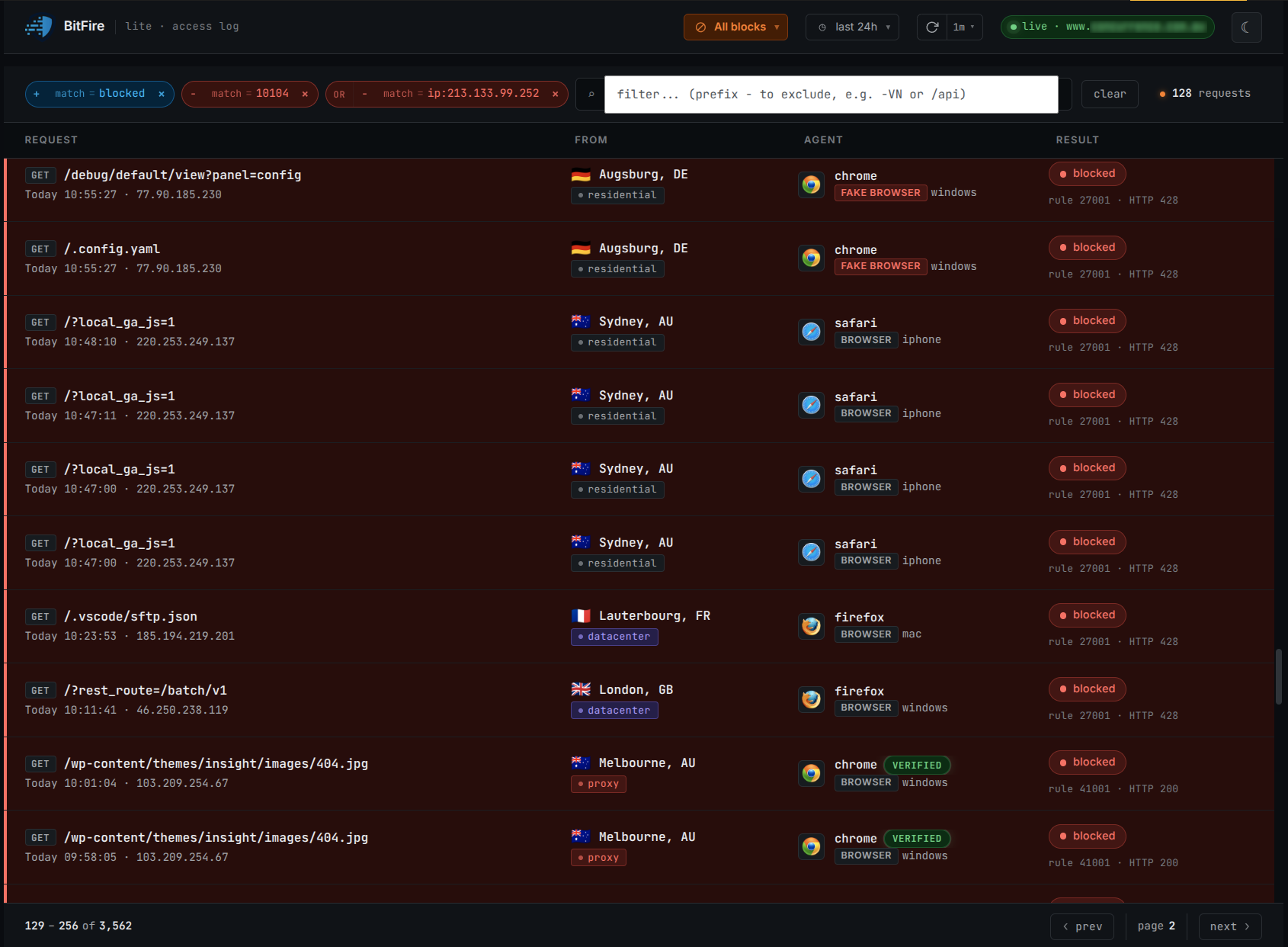
Inspect malicious input, review traffic exceptions, and apply bot policies using available network evidence, not a user-agent alone.
Faites confiance au réseau, pas au nom →BitFire Pro stops exploited plugins from changing your files, database, or administrator accounts - even when the vulnerability is brand new.
Typical setup: 5 minutes · No credit card required · View Pro runtime controls
BitFire Pro checks protected file, database, and administrator operations inside WordPress, helping stop plugin and theme vulnerabilities before they become site damage.
Explorez les contrôles d'exécution BitFire Pro →Start with the edge. Add runtime controls where compromise actually happens.
Inspect malicious input, review traffic exceptions, and apply bot policies using available network evidence, not a user-agent alone.
Faites confiance au réseau, pas au nom →Check authorization for protected PHP writes, database operations, and administrator changes. Coverage depends on enabled controls.
Examiner les contrôles d'exécution →Behavioral scanning flags potentially malicious code. AI-assisted analysis helps you review what to allow, repair, or remove. A flag is not proof of infection, and AI analysis can be mistaken. Review evidence and back up files before changes.
Comprendre pourquoi il a été signalé →Faites glisser ou faites défiler l'image ; développez pour obtenir des détails en taille réelle.
BitFire helps stop real WordPress attack paths before they become file changes, database damage, or administrator takeover.
| Composant | CVE and install base | CNA CVSS 3.1 | Contrôles BitFire évalués |
|---|---|---|---|
| CleanTalk Anti-Spam | CVE-2026-1490 technical analysisInstall base: 200000 | 9.8 · Critique |
Secure with BitFire PRO RASP + BitFire Bot Protection
BitFire stops CVE-2026-1490 twice: FREE Bot Protection blocks the scripted exploit delivery and BitFire PRO RASP blocks the unauthorized plugin install. |
| WP User Manager | CVE-2025-13320 technical analysisInstall base: 10000 | 6.8 · Moyen |
Protected by BitFire Bot Protection
BitFire FREE Bot Protection stops the authenticated profile-form exploit behind WP User Manager CVE-2025-13320 before it can delete server files. |
| CleanTalk Anti-Spam | CVE-2024-10542 technical analysisInstall base: 200000 | 9.8 · Critique |
Secure with BitFire PRO RASP
BitFire PRO RASP blocks CVE-2024-10542, an unauthenticated plugin-installation flaw in CleanTalk Anti-Spam, at runtime. Update to 6.44 and investigate. |
Secure with BitFire PRO RASP + BitFire Bot Protection
BitFire stops CVE-2026-1490 twice: FREE Bot Protection blocks the scripted exploit delivery and BitFire PRO RASP blocks the unauthorized plugin install.
Lire l'analyse : CleanTalk Anti-SpamProtected by BitFire Bot Protection
BitFire FREE Bot Protection stops the authenticated profile-form exploit behind WP User Manager CVE-2025-13320 before it can delete server files.
Lire l'analyse : WP User ManagerSecure with BitFire PRO RASP
BitFire PRO RASP blocks CVE-2024-10542, an unauthenticated plugin-installation flaw in CleanTalk Anti-Spam, at runtime. Update to 6.44 and investigate.
Lire l'analyse : CleanTalk Anti-Spam“there is only one thing to say: It works! And this is the only firewall [to] realy do the job. In the pro version you [will] get all you need.”Extrait de l'avis du client.
“The team at BitFire walked us through the entire install process, removed all the malware, and fully protected all our sites. I’ll never run a site without it again.”
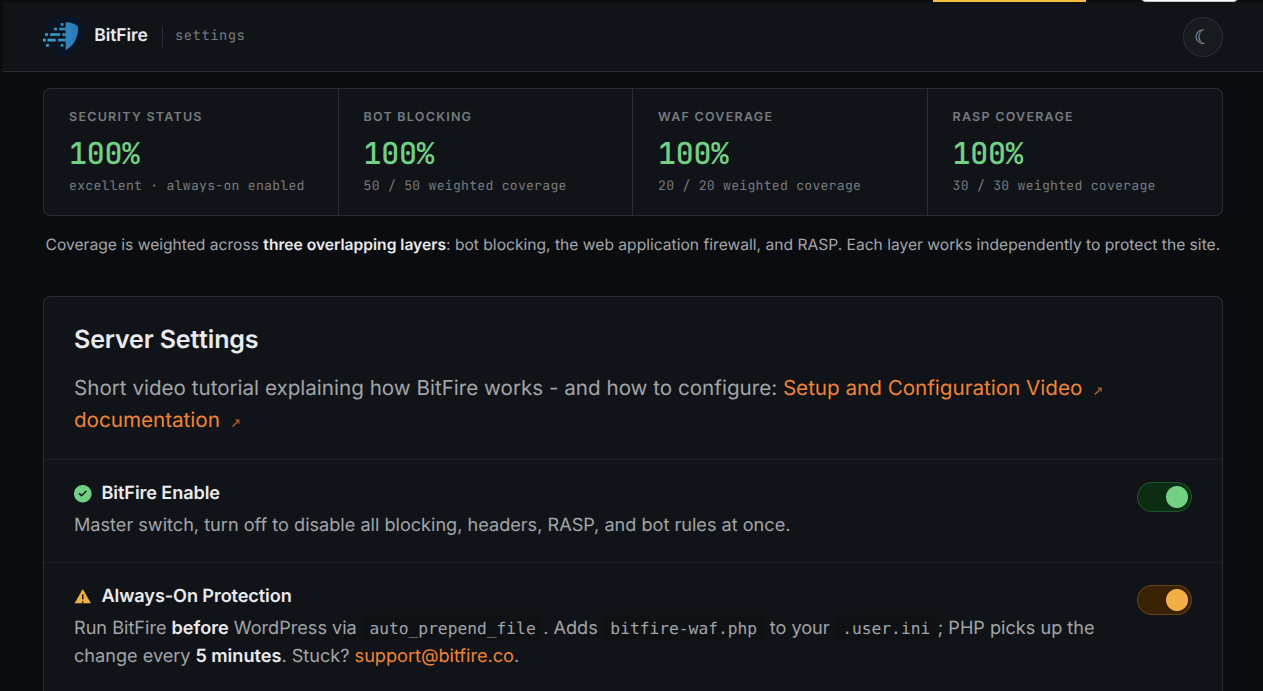
Free covers the baseline. Pro is recommended for commercial sites that need protected file, database, and administrator operations checked inside WordPress.
Essential firewall, bot, and malware scan tools for sites that need a simple protection baseline.
Recommended for commercial and business-critical sites that need runtime enforcement, scheduled scanning, and deeper security visibility.
BitFire filters requests, Pro adds runtime checks, and no layer replaces patching, access control, backups, or recovery planning.
Overhead depends on hosting, PHP and plugin activity, enabled controls, traffic, and cache state.
Recommended measurement procedure, not a published test result: use an isolated staging copy, record versions and enabled controls, run the same representative requests, and compare baseline, firewall/bot controls, and Pro runtime controls separately.
Install the free baseline now, or send your site context for a focused technical walkthrough.
Protect my site freeRunning a commercial site? You can start free, but we recommend Pro for runtime controls.