CVE-2026-15826 vulnerability and BitFire protection

How BitFire RASP Stops CVE-2026-15826 Profile Builder Authentication Bypass

WordPress vulnerability research

Profile Builder could turn a failed registration into an administrator autologin link, while BitFire authentication RASP prevents unauthenticated requests from minting WordPress auth cookies.

Unauthenticated Critical Severity Account Takeover Authentication Bypass
BitFire · Vulnerability advisoryResearch published
AdvisoryCVE-2026-15826
ComponentProfile Builder
Relevant sourcefront-end/class-formbuilder.php: wppb_log_in_user() and wppb_autologin_after_registration()
Executive summary

What WordPress administrators need to know

CVE-2026-15826 is a critical unauthenticated authentication bypass in Profile Builder for WordPress through version 3.16.4. On sites where front-end registration and automatic login after registration are enabled, a crafted registration with an over-long username can make WordPress return a WP_Error object, which vulnerable plugin code coerces to integer user ID 1 before checking for an error. The plugin then creates an autologin nonce for that user and later calls wp_set_auth_cookie( 1 ), giving the attacker an administrator session on many WordPress sites. BitFire bot protection can stop unknown automated registration requests, and BitFire authentication RASP independently prevents the final authentication bypass by requiring a request to provide authentication credentials before a wp_set_auth_cookie() call is allowed to succeed.

At a glance

Key facts

  • Profile Builder Free, Hobbyist, and Pro versions up to and including 3.16.4 are affected
  • The vulnerable path requires a logged-out registration form with automatic login after registration enabled
  • A 61–70 character username causes wp_insert_user() to return WP_Error while passing the plugin's earlier form checks
  • The vulnerable code calls absint() before is_wp_error(), converting the WP_Error object to integer 1
  • An attacker can exchange the returned autologin nonce for a WordPress authentication cookie for user ID 1
  • BitFire authentication RASP blocks unauthenticated wp_set_auth_cookie() calls before the session is issued
01
Vulnerability overview

Understand the exposure

The affected component, attack path, and practical risk for WordPress websites.

Affected componentProfile Builder
Potential reach50,000+ installations
Attack techniqueauthentication bypass
Published2026-07-16
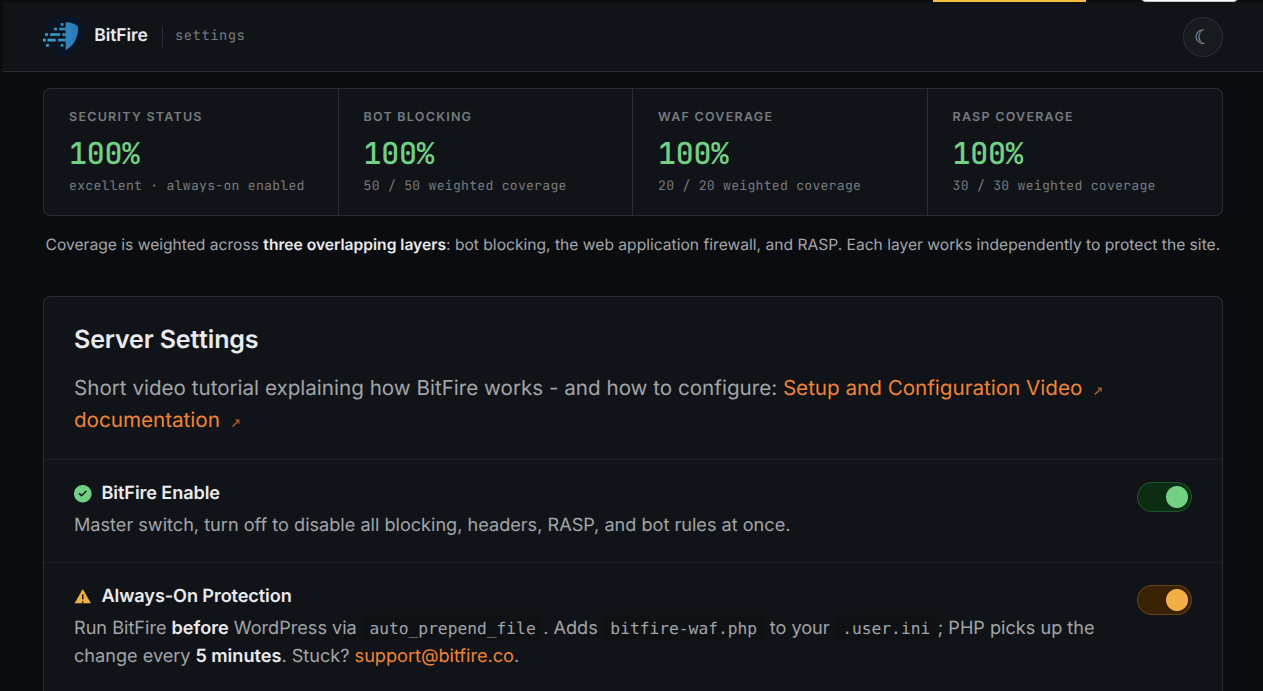
BitFire authentication RASP stops the takeover at the session boundary by denying unauthenticated wp_set_auth_cookie() calls even when vulnerable plugin code reaches them.
02
Technical analysis

How the vulnerability works

Research details, affected versions, exploitation behavior, and remediation guidance.

CVE-2026-15826 Turns Failed Registration Into Administrator Login

Profile Builder's auto-login-after-registration feature is designed to create a new WordPress user, generate a short-lived autologin nonce for that user, and exchange the nonce for a normal WordPress session. In versions through 3.16.4, the feature can be reached by unauthenticated visitors on sites that publish a Profile Builder registration form and enable automatic login after registration. When the attack succeeds, the session is issued for user ID 1, which is commonly the site's first administrator account. The result is a critical account-takeover path without a prior WordPress login.

The Type Confusion Happens Before the Error Check

The vulnerable flow starts with a crafted registration request that uses a username between 61 and 70 characters. WordPress core rejects usernames longer than 60 characters and returns a WP_Error object from wp_insert_user(). Profile Builder then passes that return value into wppb_log_in_user(). The vulnerable version calls absint( $user_id ) before checking is_wp_error( $user_id ). In PHP, casting an object to an integer yields 1, so the WP_Error object becomes the plain integer 1 and the later error check can no longer detect the failed registration.

Autologin Converts the Confused User ID Into a Session

After the WP_Error has been coerced to 1, get_userdata( 1 ) resolves to a real account on most WordPress sites. Profile Builder then creates an autologin nonce and stores a transient binding that nonce to user ID 1. The response can expose a redirect URL containing autologin=true and the nonce. If the attacker follows that URL before the transient expires, Profile Builder verifies and consumes the nonce, then calls wp_set_auth_cookie( 1 ). That call is the sensitive operation that converts the registration logic bug into a valid administrator session.

Request-Layer Protection Can Interrupt the Exploit Delivery

The attack requires a scripted sequence: fetch the registration form, parse its nonce and hidden fields, submit a crafted POST with the over-long username, extract the autologin URL, and request it quickly. BitFire bot protection can reject unknown automated clients or browser impersonation when they send GET or POST requests containing unknown parameters. That layer operates before WordPress and Profile Builder process the malicious registration, but it is still separate from the final runtime session-control boundary.

BitFire Authentication RASP Blocks the Cookie-Minting Step

BitFire authentication RASP addresses the exploit at the point where it must succeed: wp_set_auth_cookie(). For CVE-2026-15826, the attacker reaches that call through an unauthenticated autologin URL, not through a legitimate credential exchange. BitFire requires any request to provide some form of authentication credentials before allowing wp_set_auth_cookie() to succeed. If vulnerable plugin code tries to issue a cookie for user ID 1 from a request that did not authenticate, RASP denies the operation and prevents the administrator session from being minted.

Conclusion: Registration Features Need Runtime Access Controls

Profile Builder 3.16.5 corrects the plugin logic by checking is_wp_error() before coercing the return value, adding username-length validation, and rendering failed registrations as failures instead of success redirects. Administrators should also review registration settings, autologin behavior, and user ID 1 metadata or session history if the vulnerable configuration was exposed. This CVE shows why site administrators need a security solution with built-in access controls and zero-day protection: plugin registration code can fail, and an independent runtime control must still prevent unauthenticated requests from creating authenticated WordPress sessions.


03
Source review

Vulnerable and fixed code

The relevant source is located in front-end/class-formbuilder.php: wppb_log_in_user() and wppb_autologin_after_registration().

BeforeVulnerable behavior
// Vulnerable source, abridged from Profile Builder 3.16.4.
function wppb_log_in_user( $redirect, $redirect_old, $user_id ) {
    if( is_user_logged_in() ) {
        return;
    }

    if ( isset( $wppb_general_settings['emailConfirmation'] ) && ( $wppb_general_settings['emailConfirmation'] == 'yes' ) && !$should_bypass_ec ) {
        return $redirect_old;
    }

    $user_id = absint( $user_id );

    if ( ! $user_id || is_wp_error( $user_id ) ) {
        return $redirect_old;
    }

    $user = get_userdata( $user_id );
    if ( ! $user ) {
        return $redirect_old;
    }

    $redirect = add_query_arg( wppb_get_autologin_query_args( $user_id ), $redirect );
    return $redirect;
}
AfterCorrected behavior
// Patched source, abridged from Profile Builder 3.16.5.
function wppb_log_in_user( $redirect, $redirect_old, $user_id ) {
    if( is_user_logged_in() ) {
        return;
    }

    if ( isset( $wppb_general_settings['emailConfirmation'] ) && ( $wppb_general_settings['emailConfirmation'] == 'yes' ) && !$should_bypass_ec ) {
        return $redirect_old;
    }

    // Reject failed registrations while $user_id is still a WP_Error object.
    if ( is_wp_error( $user_id ) ) {
        return $redirect_old;
    }

    $user_id = absint( $user_id );

    if ( ! $user_id ) {
        return $redirect_old;
    }

    $user = get_userdata( $user_id );
    if ( ! $user ) {
        return $redirect_old;
    }

    $redirect = add_query_arg( wppb_get_autologin_query_args( $user_id ), $redirect );
    return $redirect;
}
04
Zero-day protection

Protection from the first exploit request

BitFire protects WordPress servers on day zero—before a vulnerability is publicly known and before other vendors have time to develop signatures or patches.

01 · VerifyStop unknown clients

Bot controls and browser verification stop untrusted automated clients before previously unknown exploit code reaches WordPress.

02 · DetectBlock malicious behavior

General WAF protections identify dangerous request behavior and hostile payloads without waiting for a vulnerability-specific signature.

03 · PreventContain attacks at runtime

RASP follows execution inside PHP and prevents unauthorized changes to protected files, accounts, and database content.

BitFire · WordPress protectionZero-day ready
BitFire zero-day WordPress vulnerability protection
BitFire combines verified-client controls, behavior-based WAF detection, and runtime RASP enforcement to protect WordPress before an exploit has a name, CVE, signature, or vendor patch.
About the author

Cory Marsh

Cory has more than 20 years of internet security experience and is a lead developer on the BitFire project.

Read BitFire security research →
Protect your WordPress website

Add protection before the next exploit arrives.

BitFire combines bot controls, request inspection, malware detection, and runtime protection in one WordPress security platform.

Protect my site free →